
Dungeons help
Short guides to Dungeons, the free 3D virtual tabletop that runs in your browser. Each one covers one thing, step by step.
-
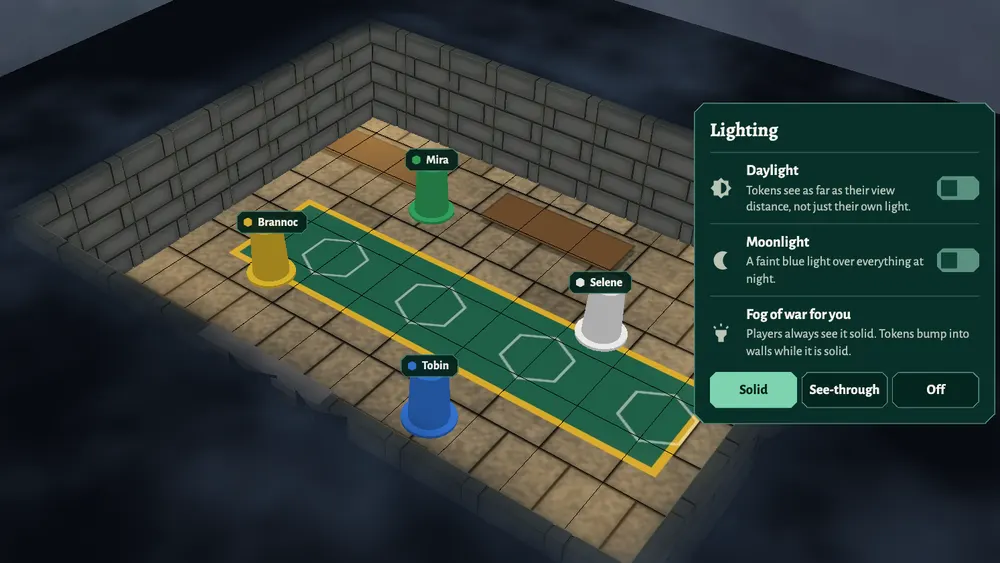 How to use fog of war in Dungeons
Fog of war in Dungeons, the free 3D virtual tabletop for D&D: players only see what their token can see, walls and closed doors block sight, and the host chooses how much fog they see themselves.
Read the guide
-
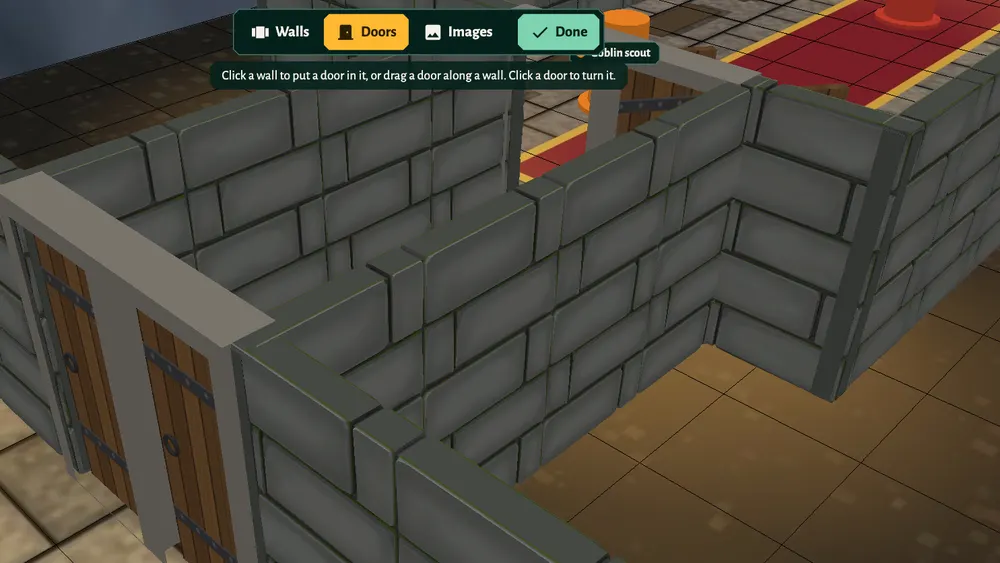 How to draw walls and doors in Dungeons
Draw walls, rooms and corridors in Dungeons, the free 3D virtual tabletop, then put doors in them. Walls and closed doors block movement and line of sight for fog of war.
Read the guide
-
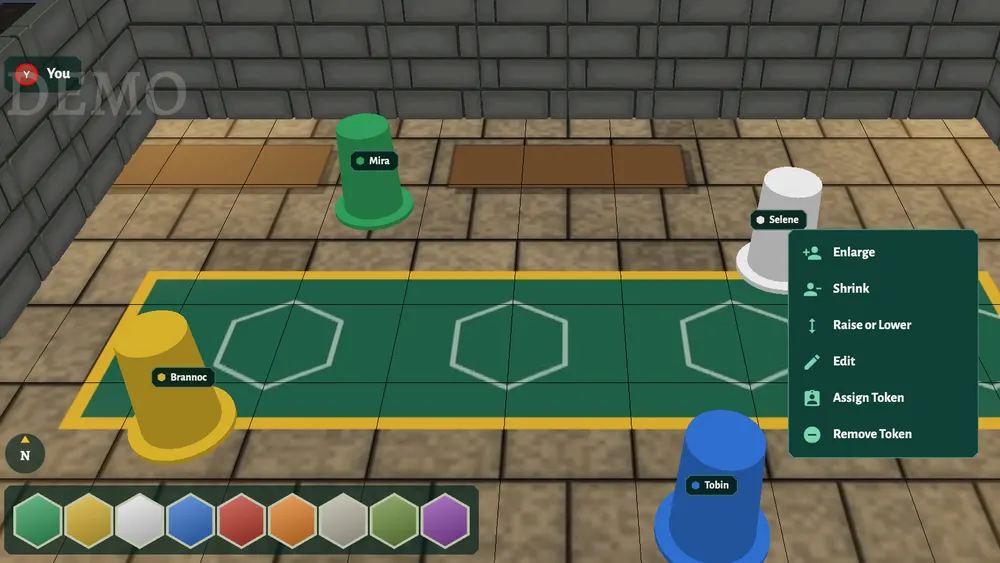 How to add and move tokens in Dungeons
Add tokens for heroes and monsters in Dungeons, the free 3D virtual tabletop: pick one from the library, give it to a player, resize it, raise it into the air and track its hit points.
Read the guide
-
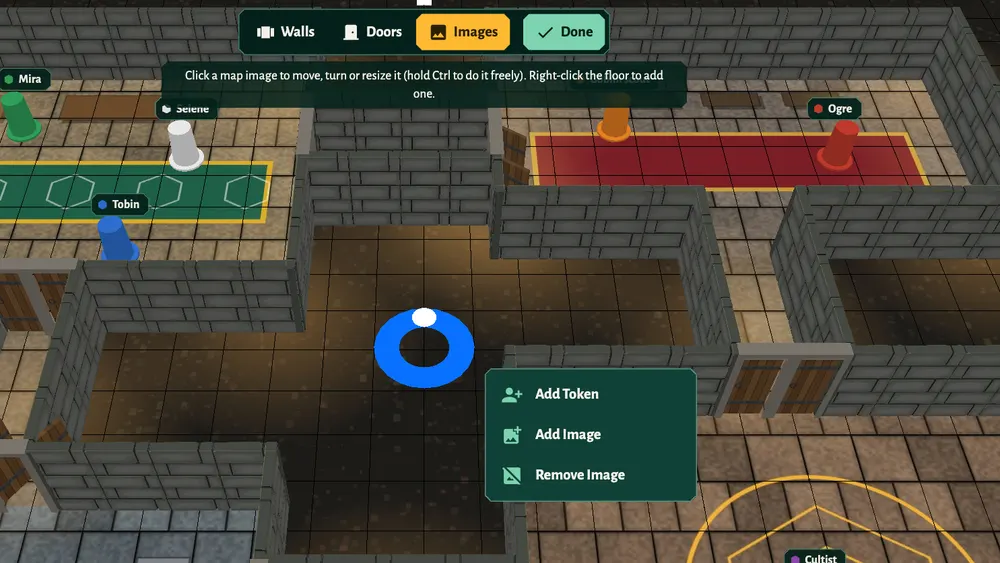 How to add maps and rooms in Dungeons
Put a battle map on the floor in Dungeons, the free 3D virtual tabletop: pick one from the library or upload your own, move and resize it, and keep each location of your campaign in its own room.
Read the guide
-
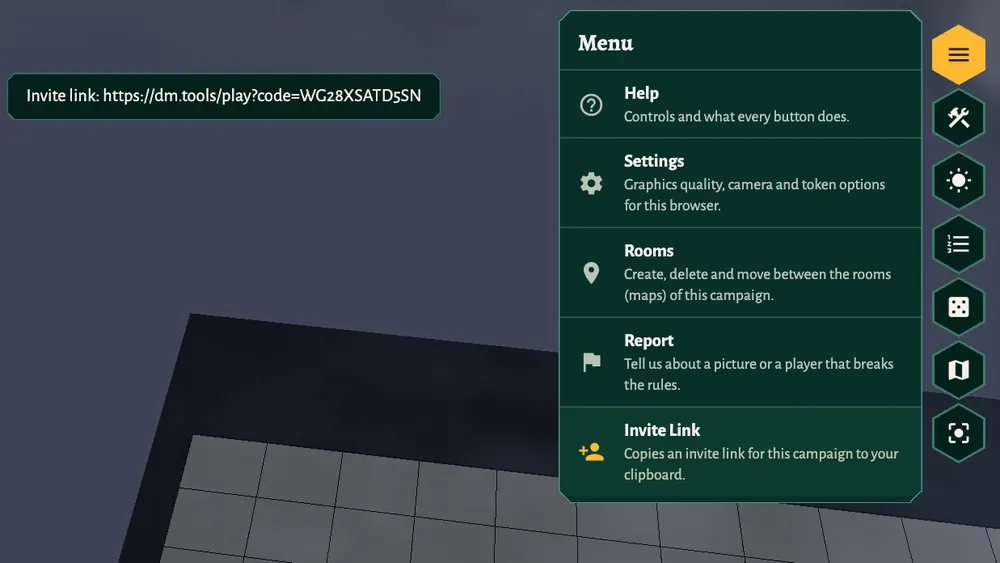 How to invite players to your game in Dungeons
Invite your players to Dungeons, the free 3D virtual tabletop for D&D: create a campaign, copy the invite link, and your players join with a free account. Nothing to install.
Read the guide